Email & SMS

The best Omnisend integration for loyalty, reviews and wishlist

12 Growave triggers, ready-made email templates, and wishlist and review automations. Connect Omnisend with Growave and turn every loyalty moment into a targeted email or SMS.

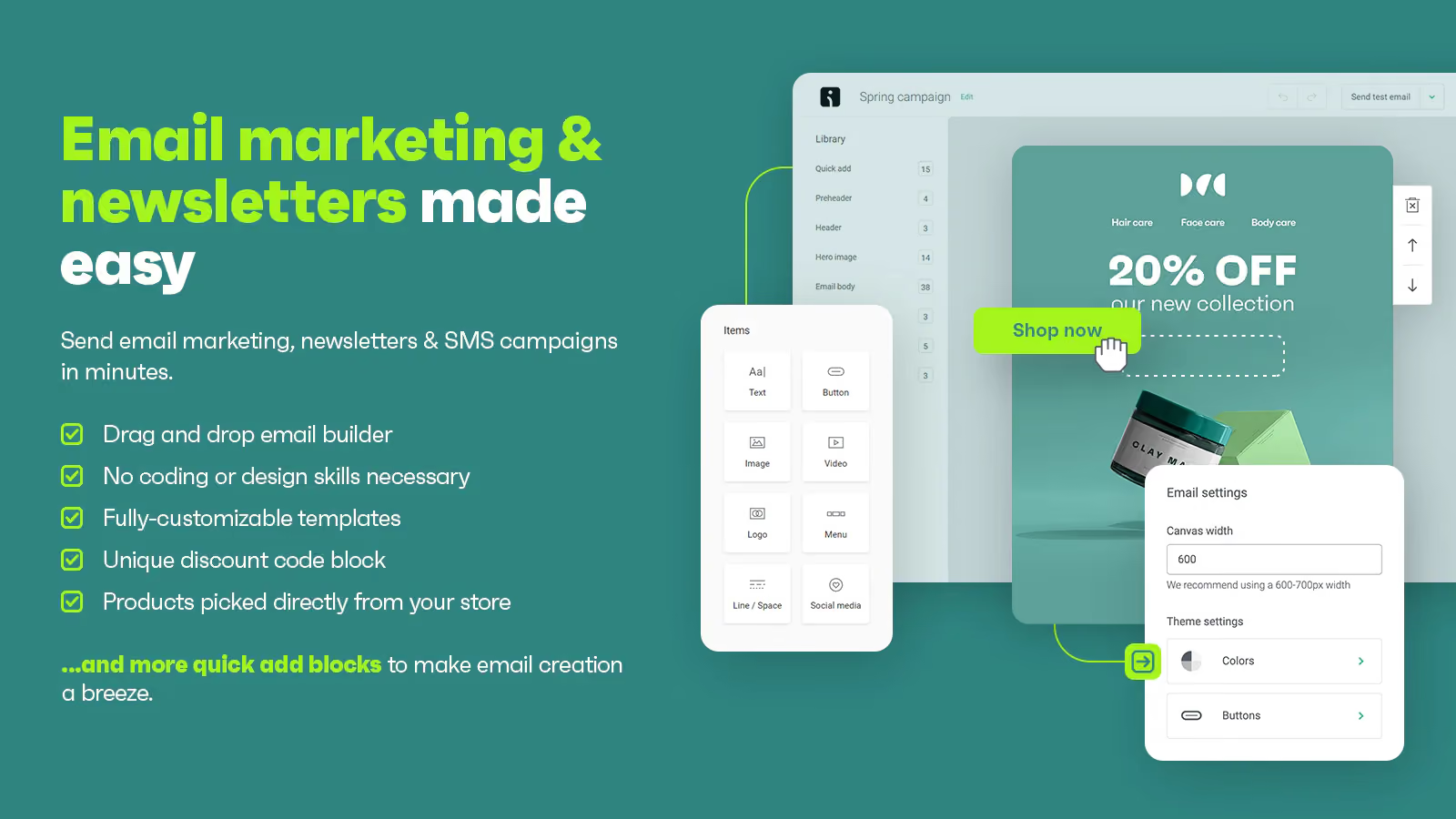
Omnisend product preview

What you can do

Connect Growave with Omnisend to trigger automated workflows for loyalty, wishlist, and reviews, and reach customers on email, SMS, and push the moment something relevant happens in your store.

12 Growave event triggers

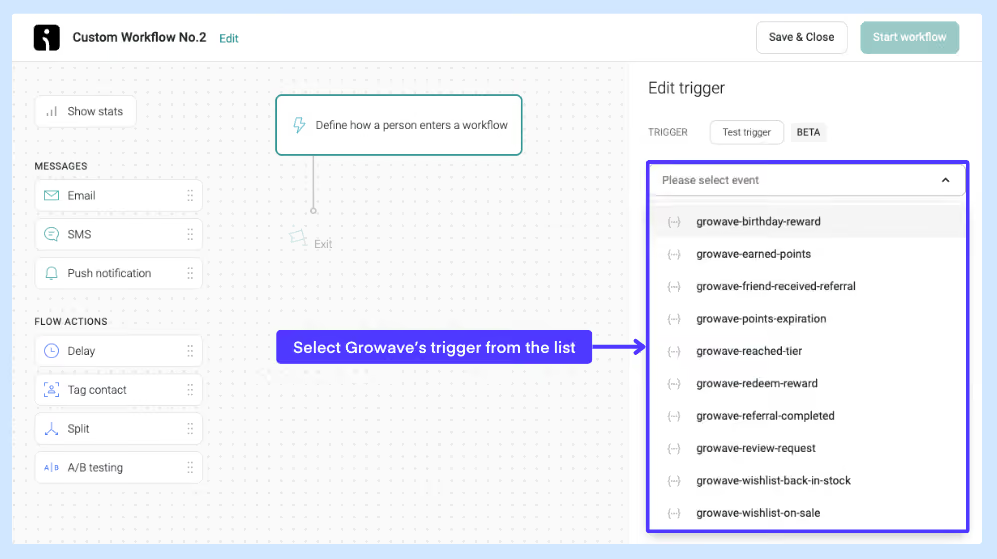
Omnisend receives 12 Growave triggers covering points earned, rewards redeemed, tiers reached, referrals, review requests, wishlist saves, wishlist back in stock, wishlist on sale, birthday rewards, and expiring points and rewards. Each fires automatically when the customer action happens.
Ready-made email templates

Growave provides an email template for each trigger, pre-built and importable directly into Omnisend's Saved templates. Each template includes dynamic variables that pull in customer-specific data automatically.

Review request reminders

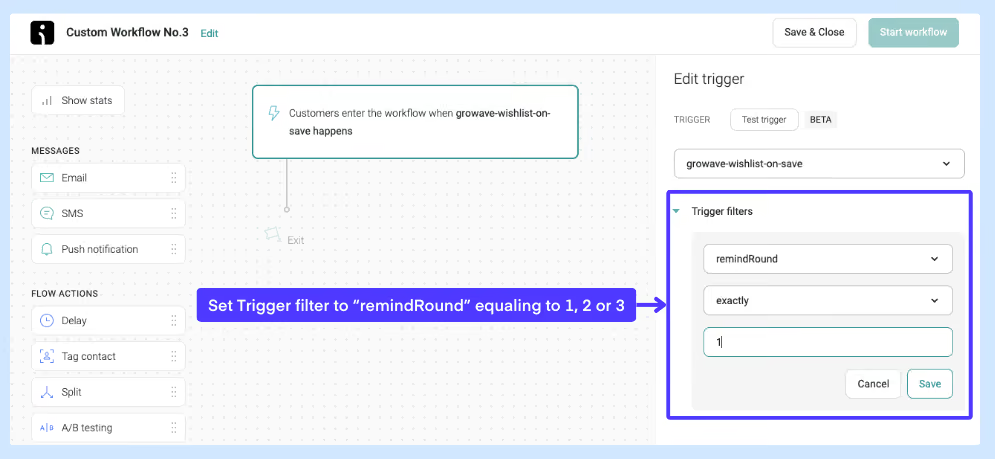
Growave supports up to three review request reminder emails. Set up separate Omnisend workflows for each reminder using the remindRound filter (1, 2, or 3) to send progressively different email content for each follow-up.

Wishlist and back in stock alerts

When a customer saves a product or a wishlisted item comes back in stock or goes on sale, Omnisend fires the relevant Growave trigger automatically, reaching shoppers at exactly the right moment.

See it in action

Frequently asked questions

Will Growave still send emails after I connect Omnisend?

No. Once the integration is active, Growave hands off email sending to Omnisend. You must enable the relevant notifications in Growave and set up matching workflows in Omnisend for each trigger you want to use.

Do I need to set up workflows manually in Omnisend?

Yes. After connecting via API key, you create each workflow in Omnisend by selecting the relevant Growave trigger from the API section. Growave does not push workflows to Omnisend automatically, but email templates are provided for every trigger.

Why is the remindRound filter not showing in my review request trigger?

This filter only appears after at least one review request email has been sent. Place a test order with a test customer account, wait for the review request to fire, and the remindRound filter will appear in the trigger settings in Omnisend.

Can I send the same review request email for all three reminders?

Yes. If you prefer a single workflow, create one without the remindRound filter and it will send the same email content for all three reminder rounds automatically.

Recommended Reads