Loyalty data in every ticket
Point balance, VIP tier, referral link, and latest activity pulled into Zendesk automatically for every customer.


Connect Growave to Zendesk and your support team sees every customer's loyalty status, points, and VIP tier the moment a ticket opens, no tab switching, no manual lookups.
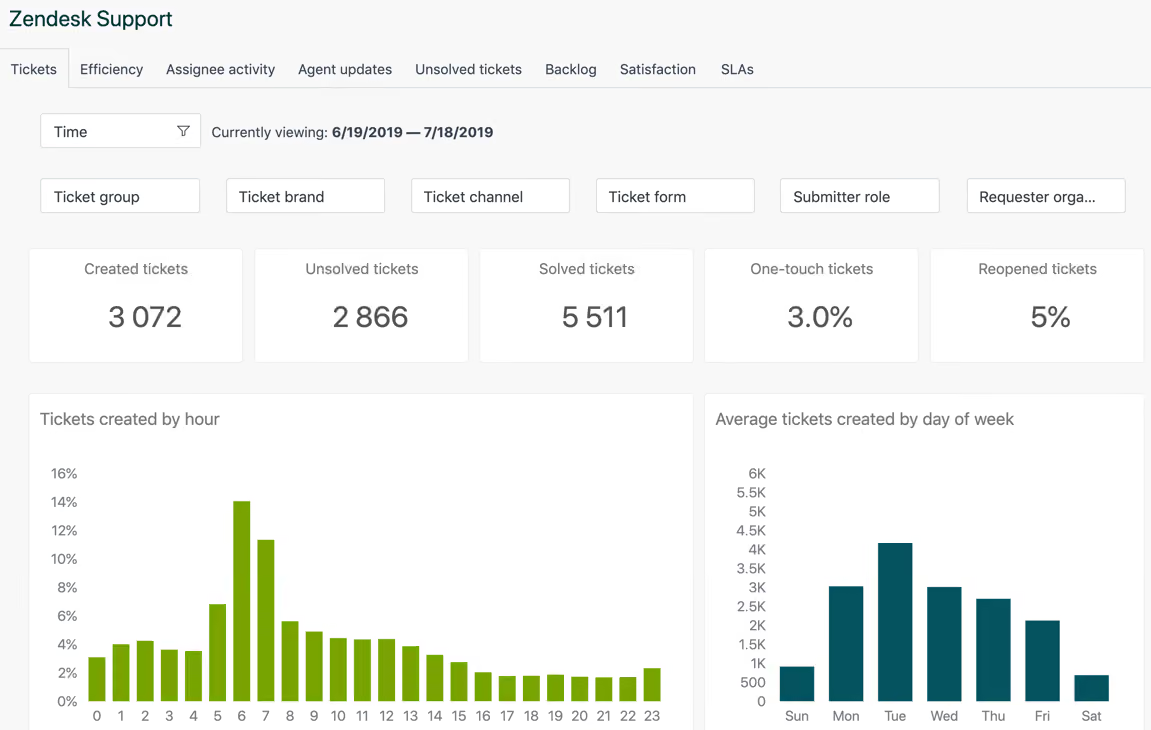
Give your support team full loyalty context the moment a ticket opens — points, VIP tier, referral link, and review activity, all pulled from Growave automatically.
Point balance, VIP tier, referral link, and latest activity pulled into Zendesk automatically for every customer.
Every product review submitted through Growave creates a Zendesk ticket with the review text, star rating, and a direct link.
Customer questions from Growave also land as tickets, so nothing slips through without a follow-up.
Knowing a customer's loyalty standing before replying helps agents personalize responses and turn support moments into retention opportunities.

For each customer, Growave passes their current point balance, VIP tier status, referral link, and latest activity date. This appears directly inside the Zendesk customer profile.
Yes. When a customer submits a product review or asks a question through Growave, a Zendesk ticket is created automatically with the review text, star rating, and a link back to the review.
No. Existing tickets remain in Zendesk as-is. Disabling simply stops new data from syncing and revokes the OAuth connection. You can re-enable it anytime.
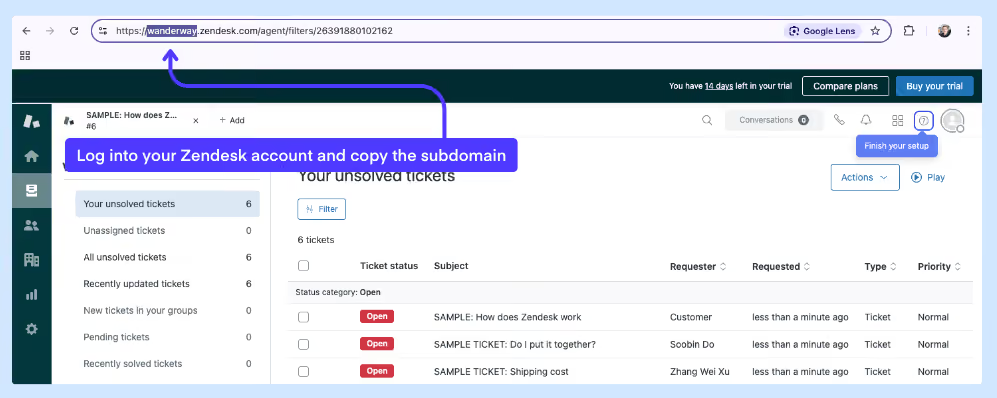
No changes are needed on the Zendesk side. Just copy your Zendesk subdomain, paste it into Growave's Integrations section, and authorize the connection — that's it.
.svg)