Loyalty data in every customer profile
Once connected, a Growave widget appears in each Gorgias customer profile showing points balance, VIP tier, referral link, birthday, rewards enrollment date, and latest reviews, all in one place.

.svg)
Your support team sees every customer's points, VIP tier, referral link, and recent reviews the moment a ticket opens, no tab switching, no manual lookups.
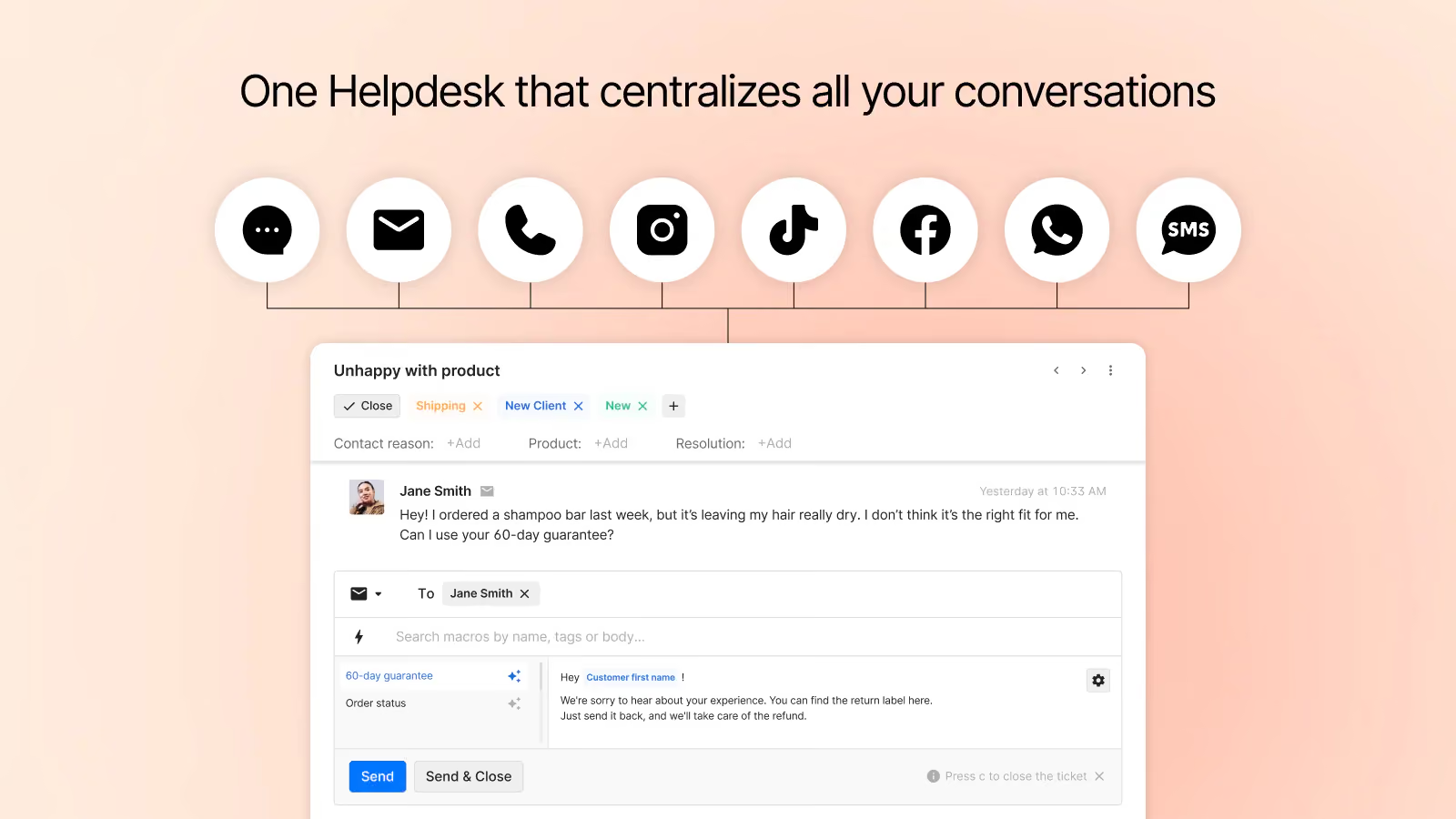
Connect Growave with Gorgias to surface loyalty data inside customer profiles and turn reviews and questions into support tickets automatically.
Once connected, a Growave widget appears in each Gorgias customer profile showing points balance, VIP tier, referral link, birthday, rewards enrollment date, and latest reviews, all in one place.
Every new product review and customer question submitted through Growave automatically creates a Gorgias ticket, so your team can respond without leaving their support workspace.
Using Growave's widgets inside Gorgias, agents can reply directly to reviews and questions without switching tools, keeping customer interactions fast and centralized.
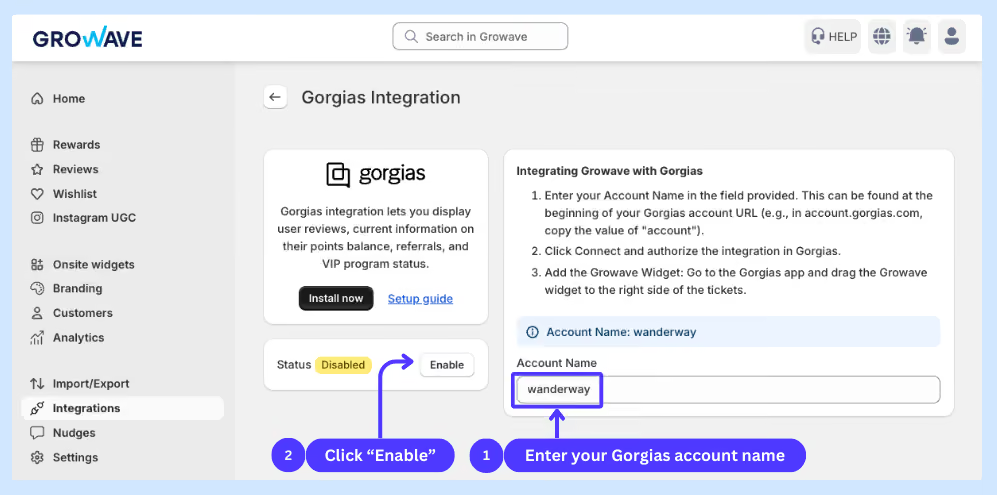
In the customer profile sidebar. After connecting, you drag the Growave data widget into the right side of any customer profile in Gorgias settings. It shows points, VIP tier, referral link, birthday, and recent reviews for that customer.
Yes. The legacy authorization method was deprecated in June 2024. To switch to OAuth2, go to the Gorgias integration card in Growave, click Disable, then Enable again. This triggers a reconnection through the new OAuth2 flow.
The Gorgias integration is available on all Growave plans including the free plan.