Rewards for survey answers
Give points, discounts, store credit, free shipping, free products or gift cards to customers who complete a survey.


Turn post-purchase feedback into loyalty moments. Shoppers who finish your Grapevine survey earn rewards automatically, so you collect more answers and richer insights.
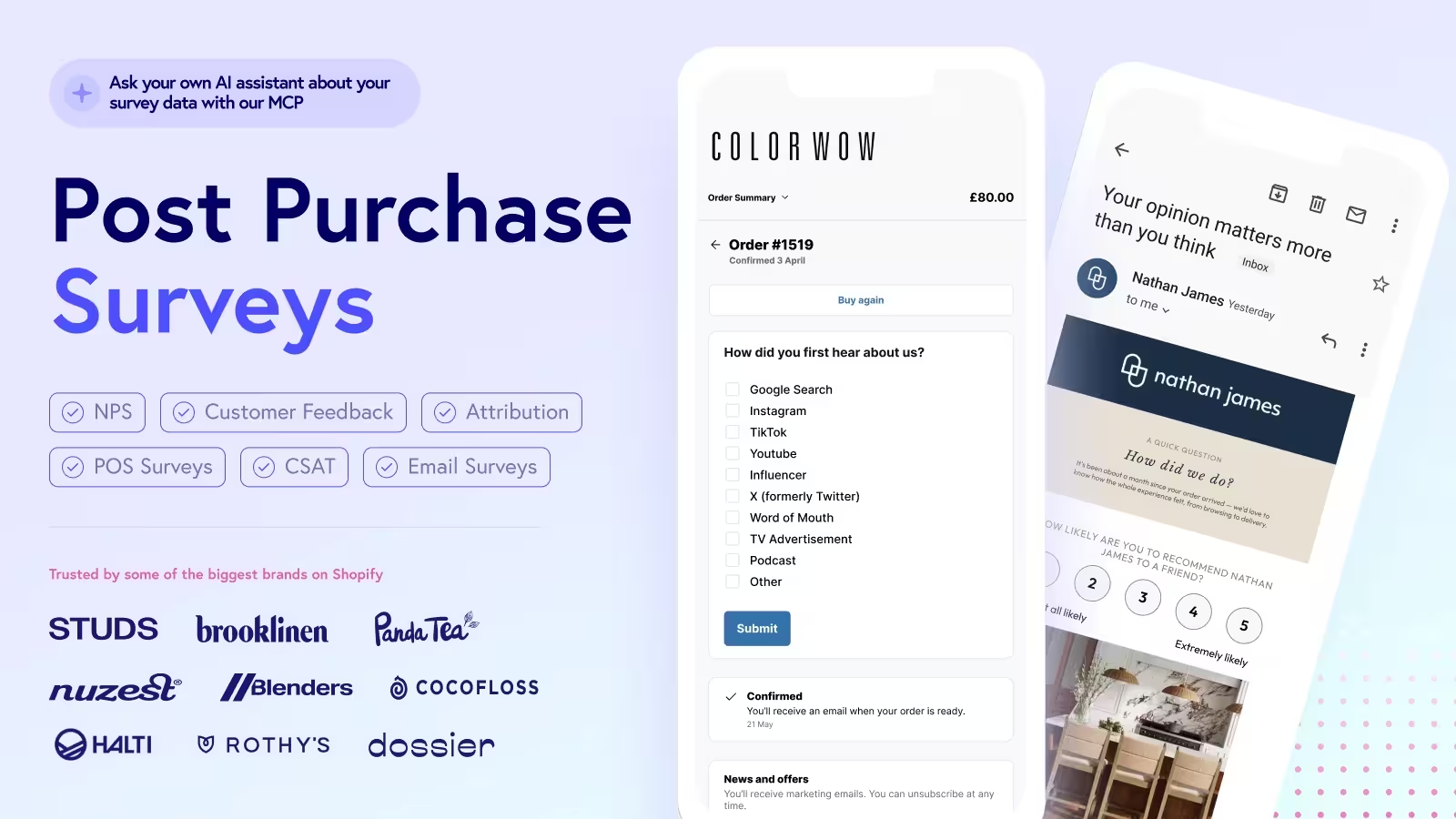
Link Grapevine to Growave with Shopify Flow so each finished response sets a customer metafield, which Growave's Customer metafield earning rule picks up to issue the reward.
Give points, discounts, store credit, free shipping, free products or gift cards to customers who complete a survey.
Grapevine fires a Response completed event in Shopify Flow, which updates a customer metafield that Growave watches.
Add a surveyCode condition in Flow so only the survey you pick earns a reward, even if you rename it later.
Import Grapevine's pre-built workflow, swap in your survey code and turn it on.

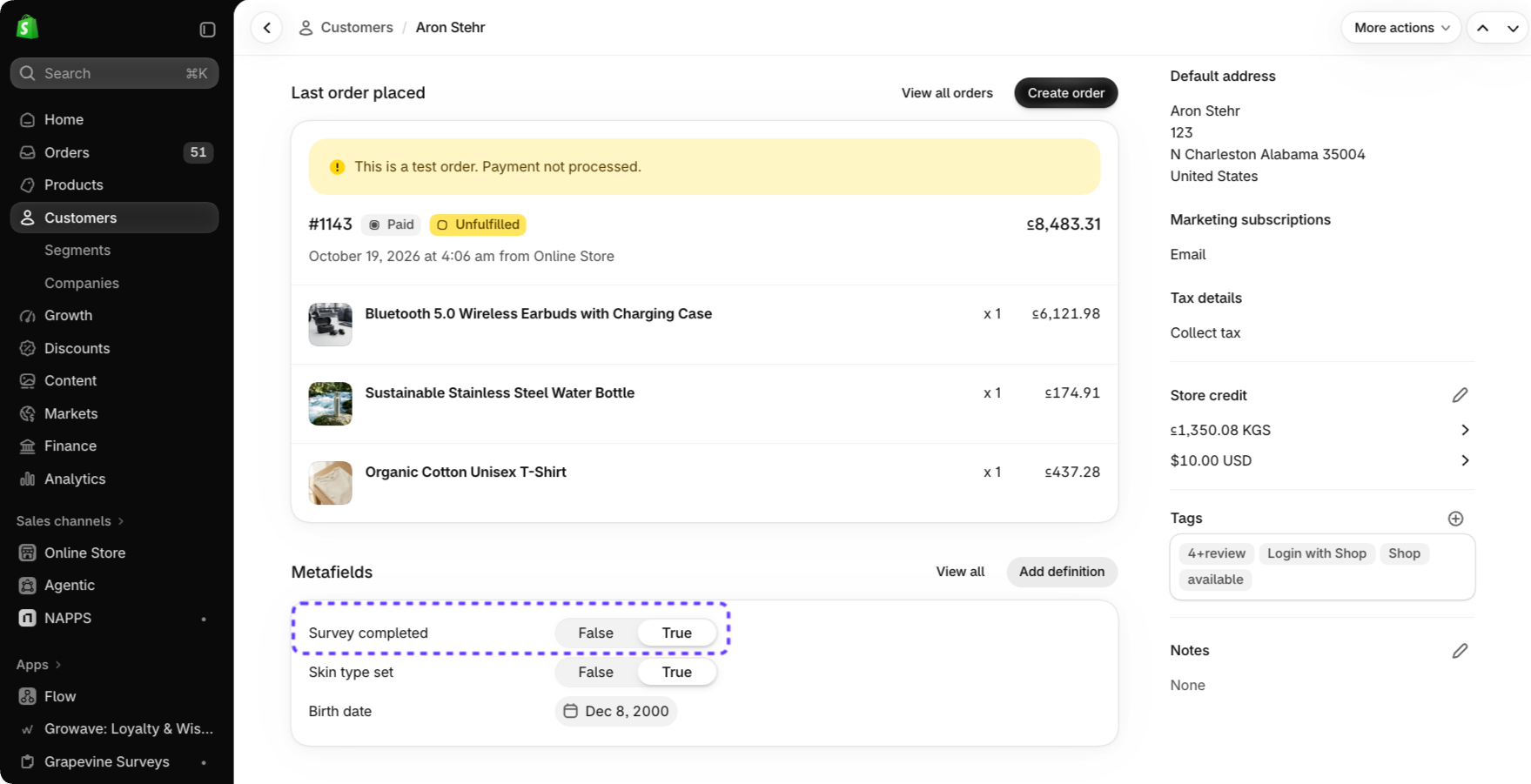
You need the Growave Growth plan or higher, which includes the Customer metafield earning action. You also need a Shopify plan with access to Shopify Flow, and Grapevine installed and active on a paid plan with its Shopify Flow integration turned on.
In Shopify admin, create a customer metafield definition such as custom.survey_completed with the True or false type, and turn on Read and write under Customer Account API. In Grapevine, create your survey and note its survey code.
Survey names can be edited later, which would break a name-based condition. The survey code stays the same, so your Flow keeps rewarding the right survey.
Complete the survey as a test customer. Confirm the metafield shows True on that customer in Shopify admin, then look for the reward in Growave under Rewards, Customers, in the activity history.