Earn points on in-store purchases
When a registered customer completes a purchase through Shopify POS, Growave automatically awards points for Place Order, Punch Card, Spend X to Get Y, and Buy X to Get Y rules, just like online.


Bring your online loyalty program into your physical store. Customers earn points at the register, redeem rewards in seconds, and staff can look up anyone with a QR scan.
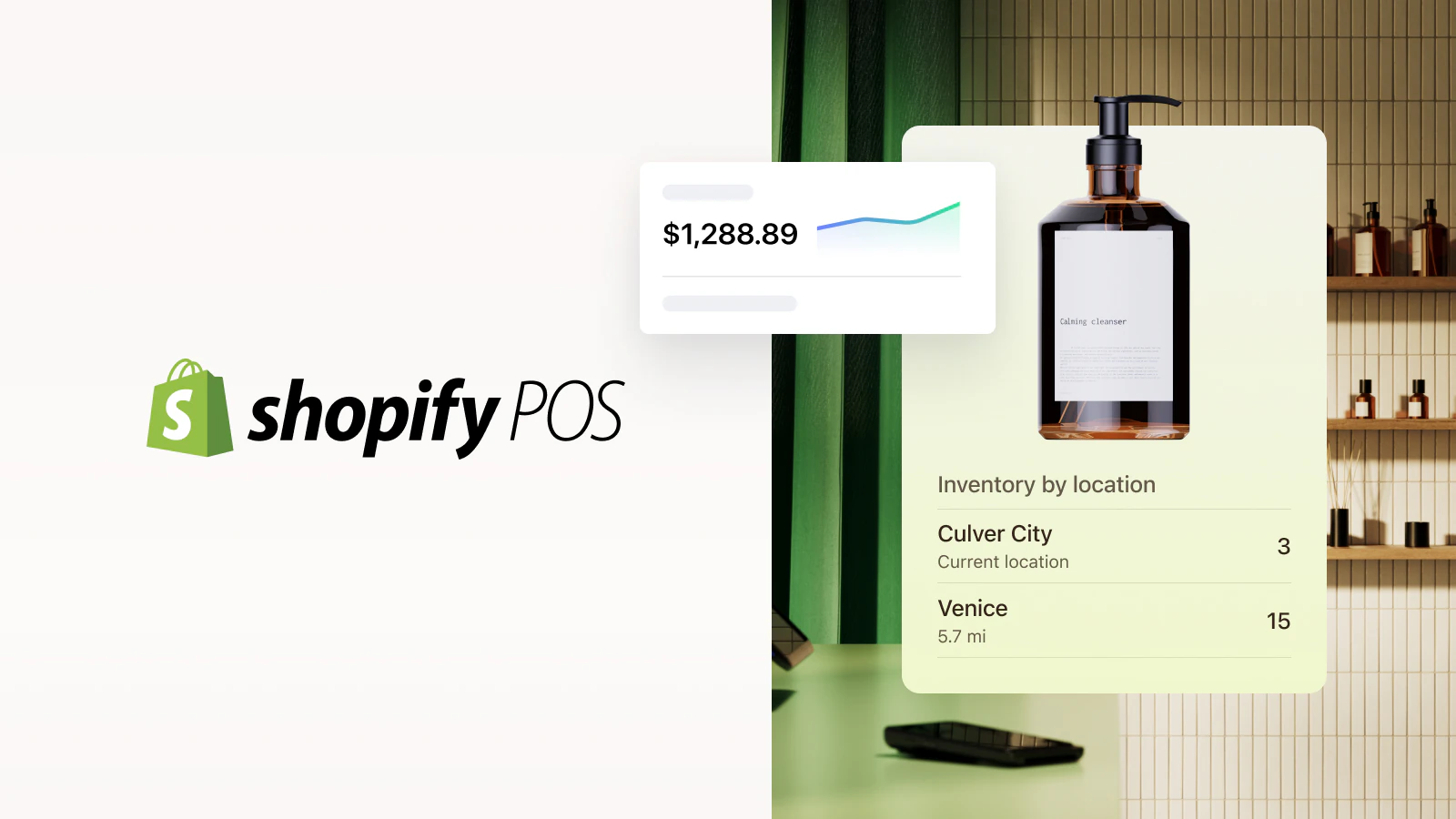
Connect Growave with Shopify POS to run a unified loyalty program across online and offline, so every in-store purchase counts toward the same rewards your customers earn online.
When a registered customer completes a purchase through Shopify POS, Growave automatically awards points for Place Order, Punch Card, Spend X to Get Y, and Buy X to Get Y rules, just like online.
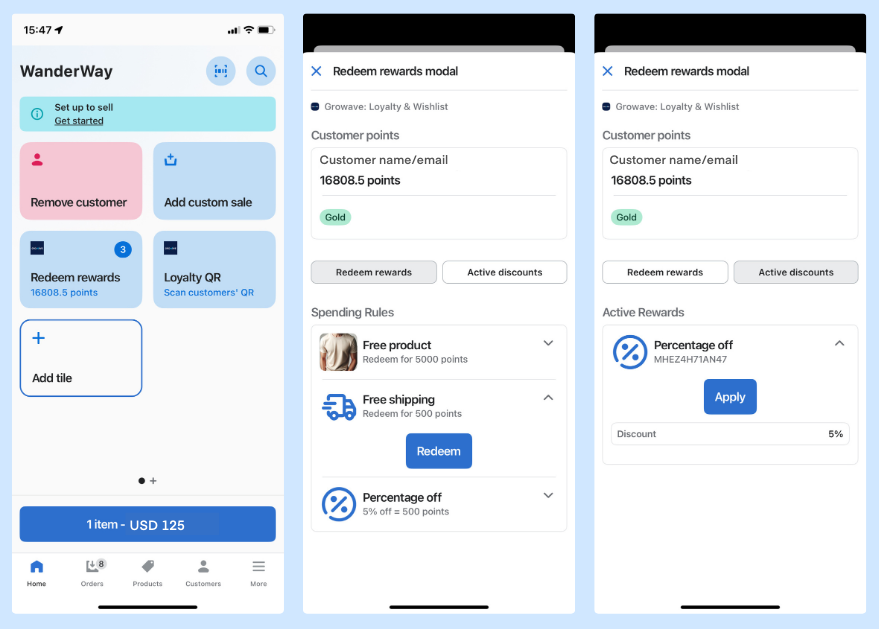
Add the Redeem Rewards tile to your POS interface. Staff can pull up a customer's available rewards and apply discounts, free products, or free shipping directly to the cart before checkout.
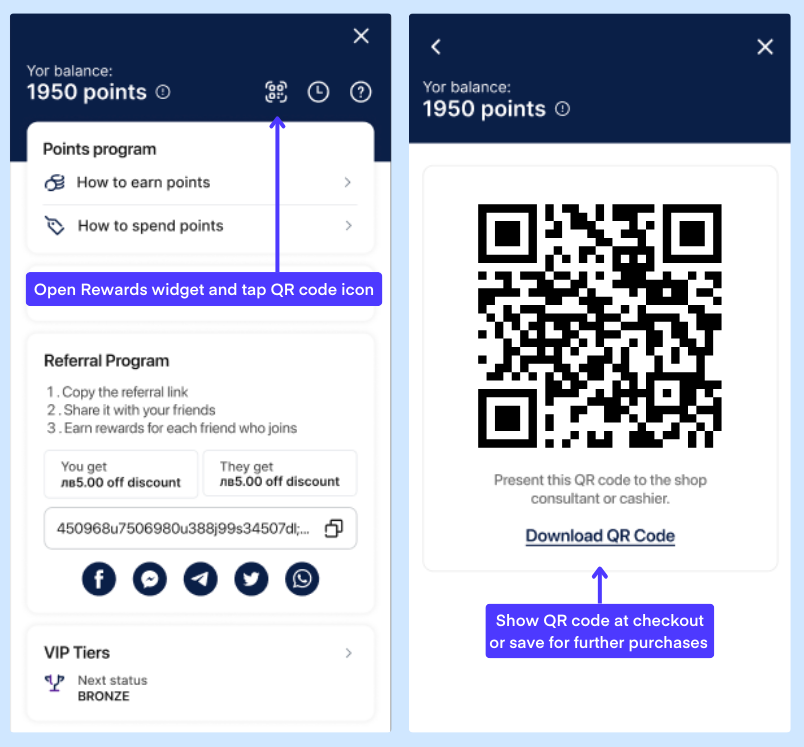
Customers save their personal QR code from the Growave rewards widget. Staff scan it at the register to instantly identify and add the customer to the order, no typing, no privacy concerns.
Android customers can save their Loyalty QR directly to Google Wallet for instant access during in-store visits. No app needed, no searching, just tap and show.
Yes. Customers must be logged into an existing Shopify account before placing the order. If they check out without logging in, points are not awarded automatically, though you can credit them manually in Growave.
Most are. Fixed and variable amount discounts, percentage discounts, free products, and free shipping all work on POS. Gift card rewards are not redeemable on POS. Store credit can be redeemed but must be applied manually at the final checkout screen.
The most common reasons are a missing email address on the customer profile, eligibility tag restrictions set in Growave, or a per-customer redemption limit already reached. Check the customer's profile and your Growave reward settings to identify the cause.
Shopify POS syncs customer data periodically rather than in real time, and the app caches customer profiles locally. Points earned online or added manually in Growave will appear once POS refreshes the customer data, which usually happens within a short time automatically.