
Experiencia del Cliente

Shopify Flow

Automate your store's busywork and let Growave actions run on autopilot.

Omnisend product preview

What you can do

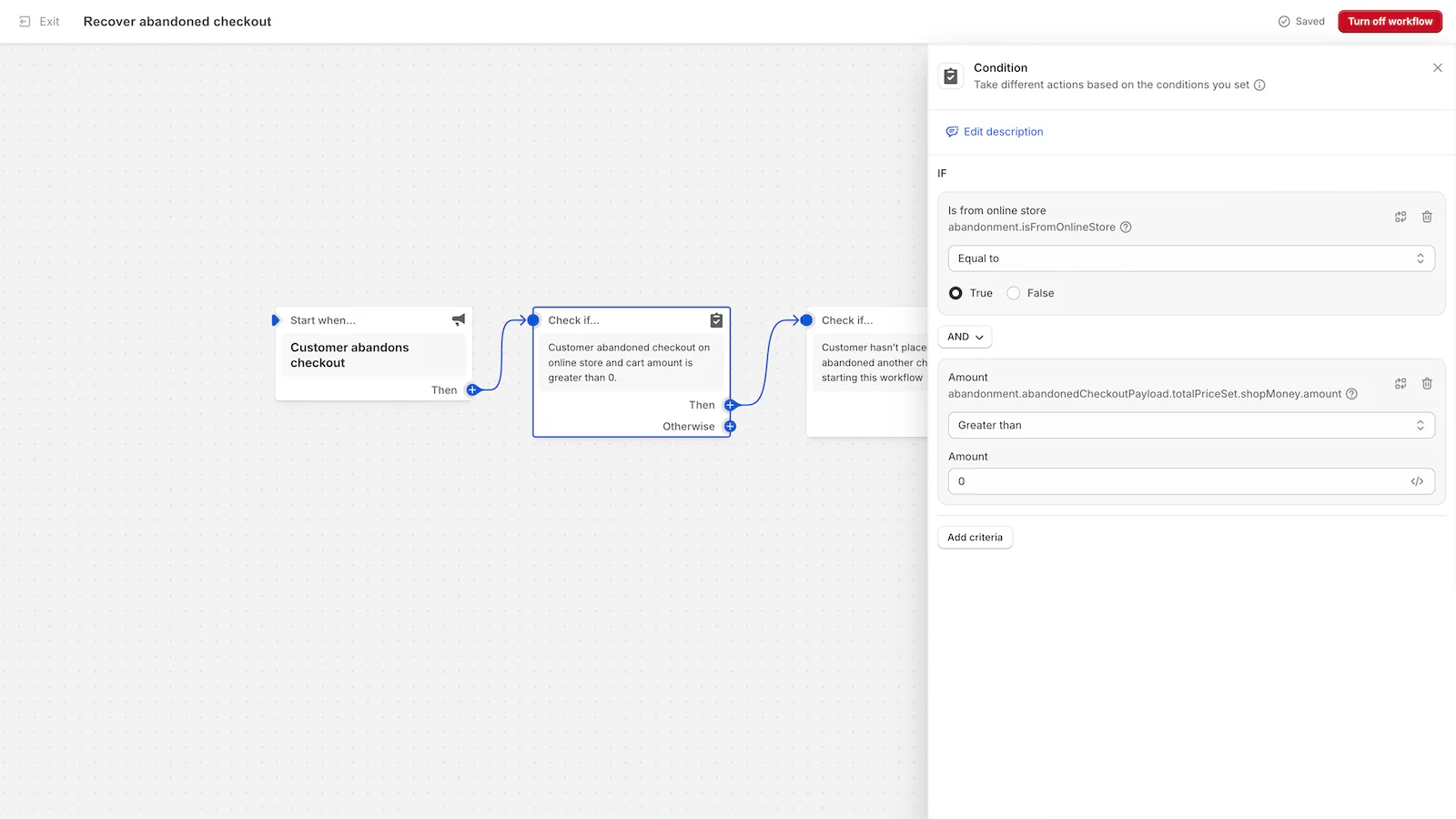
Connect Growave with Shopify Flow to build automated workflows triggered by loyalty events, reviews, wishlist activity, and tier changes, and take actions like awarding points, adjusting balances, and personalizing customer journeys.

3 Growave actions

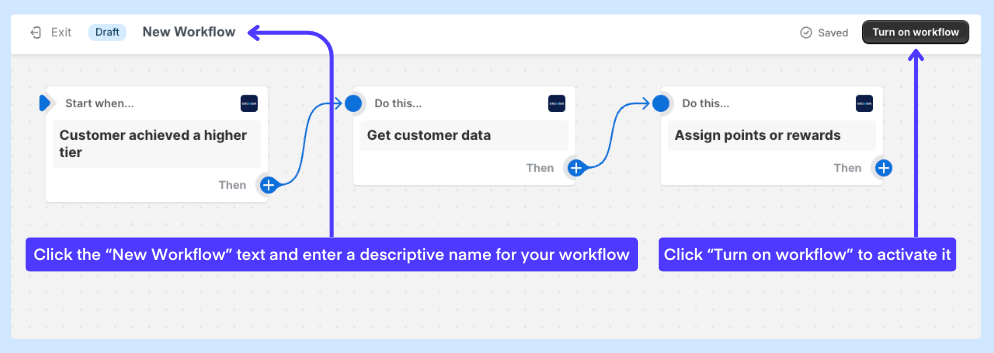
Use Assign points or rewards to credit a Custom action, Update customer points balance to add or deduct points directly, and Get customer data to pull loyalty attributes like tier, points balance, referral link, and marketing preferences into your workflow.

Trigger workflows on review and Q&A activity

Flow triggers fire when a review or question is submitted, edited, or deleted, and when a site review is added. Use them to moderate content, send follow-ups, or reward customers for engaging.

No integration slot required

Shopify Flow does not count toward your Growave integration limit. Entry plan merchants get Flow plus one additional integration. Growth plan merchants get Flow plus up to three more.

24 Growave triggers

Fire workflows on loyalty events including points earned, tier reached, tier updated, birthday added, review submitted, review edited, question asked, wishlist saves, back in stock, and more. Both Growave 1.0 and 2.0 triggers are supported.

Frequently asked questions

Which plans support the Shopify Flow integration?

Any paid Shopify plan (Basic and above) combined with any paid Growave plan (Entry and above) supports the Shopify Flow integration.

How do I award points using Shopify Flow?

Use the Assign points or rewards action. Enter the customer email as a variable and either enter a point amount or a Custom action API reference ID from Growave's Rewards panel. To simply add or deduct a fixed number of points without a custom action, use the Update customer points balance action instead.

Can I use customer loyalty data inside a Flow workflow?

Yes. Add the Get customer data action as an intermediate step in your workflow. It pulls Growave attributes including points balance, current tier, referral link, birthday, and marketing consent into the workflow as variables you can use in conditions and subsequent actions.

Are Custom actions required to use Shopify Flow with Growave?

No. You can award fixed point amounts using the Update customer points balance action without any custom action setup. Custom actions are only needed when you want to trigger a specific named earning rule, and they require the Growave Plus plan.

Recommended Reads